

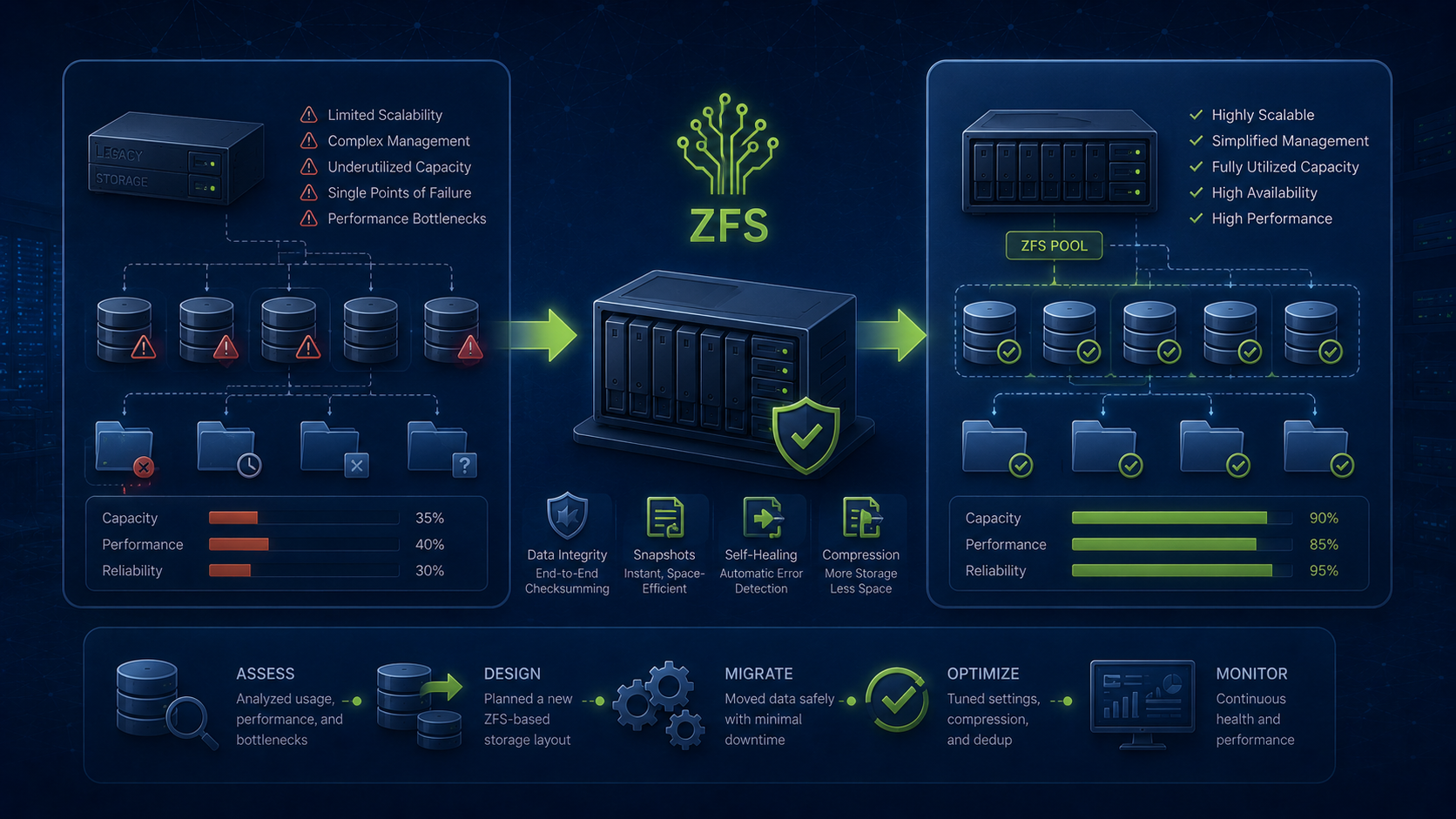
Most storage problems don’t start with a lack of capacity.
They start with a lack of structure.
Over time, infrastructure grows. New virtual machines get deployed. ISO images accumulate. Backup jobs get added. Snapshots begin to pile up. Before long, storage is technically working, but nobody can clearly answer questions like:
- What data belongs where?
- What should be backed up?
- What should be snapshotted?
- is that even a word??
- What should be archived?
- What can be safely deleted?
This week I spent some time reorganizing the storage architecture in my Proxmox lab to solve exactly those problems.
The project also provided a good example of why I continue to deploy ZFS as the foundation for infrastructure storage.
The Original Situation
My Proxmox environment was running on two separate storage pools.
tank
A mirrored SSD pool used for production workloads.
bulk
A mirrored HDD pool used for capacity storage.
The problem wasn’t capacity.
The problem was that several different storage types were living on the SSD pool:
- Virtual machine disks
- Database storage
- ISO repositories
- Backup storage
- Historical snapshots
As the environment matured, those workloads began competing for space and making capacity planning more difficult.
The solution was to redesign storage around function rather than simply where space happened to be available.
Separating Storage by Purpose
The new architecture follows a simple principle:
Fast storage is for production workloads. Large storage is for retention workloads.
The SSD pool now contains only active workloads:
tank
├── vmdata
└── db
vmdata
Stores:
- Virtual machine disks
- Container storage
- Cloud-Init images
db
Reserved for database workloads such as:
- PostgreSQL
- MariaDB
- Redis persistence
- Future application databases
Meanwhile the HDD pool now contains long-term storage:
bulk
├── backups
└── isos
backups
Stores:
- Proxmox backup files
- Recovery archives
- Exported configurations
isos
Stores:
- Operating system installation media
- Appliance images
- Utility boot environments
This separation makes storage behavior predictable and much easier to document.
Why ZFS Matters
Moving the data was only part of the project.
The real value came from the features provided by ZFS.
Unlike traditional filesystems, ZFS understands the relationship between:
- Files
- Datasets
- Snapshots
- Capacity
- Replication
- Integrity
This allows infrastructure to be managed at a much higher level.
For example:
Instant Snapshots
ZFS snapshots can capture an entire dataset in seconds.
That means a virtual machine datastore can be protected before:
- Operating system upgrades
- Application upgrades
- Major configuration changes
without copying terabytes of data.
Data Integrity
Every block written to ZFS includes checksums.
When data is read, ZFS verifies that what comes back matches what was originally written.
This helps detect:
- Bit rot
- Silent corruption
- Storage controller issues
- Drive errors
before they become disasters.
Flexible Storage Design
Datasets can have independent settings.
For example:
tank/vmdata
can receive aggressive snapshot protection while:
bulk/backups
receives none at all.
Each dataset becomes its own administrative boundary.
Cleaning Up Snapshot Sprawl
During the migration I discovered something else.
A large amount of SSD capacity was being consumed by old ZFS snapshots.
The system had accumulated months of historical snapshots that were no longer aligned with current retention requirements.
After reviewing retention policies and removing unnecessary historical snapshots, more than 20 GB of SSD space was immediately reclaimed.
More importantly, the environment now follows a documented retention standard:
- Frequent snapshots
- Hourly snapshots
- Daily snapshots
- Weekly snapshots
- Monthly snapshots
for production datasets only.
Backup repositories and ISO libraries are excluded because they already provide their own retention mechanisms.
This prevents unnecessary storage consumption while still protecting active workloads.
Storage Should Reflect Recovery Strategy
One lesson that repeatedly appears in infrastructure work is that storage design and recovery design are really the same conversation.
If you don’t know:
- What needs snapshots
- What needs backups
- What needs replication
- What needs offsite copies
then your storage layout will eventually become chaotic.
The architecture now follows a clear path:
Production Data
        ↓
ZFS Snapshots
        ↓
Proxmox Backups
        ↓
Backup Repository
        ↓
Offsite Copies
Each layer serves a specific purpose:
- Snapshots provide rapid rollback
- Backups provide recovery
- Offsite copies provide disaster protection
Infrastructure Should Become Simpler Over Time
One of the goals behind FOSSnix infrastructure design is that systems should become easier to understand as they mature—not harder.
The final result of this project wasn’t more storage.
It was more clarity:
- Every dataset now has a defined purpose
- Every storage location has documented retention
- Every pool has a clearly defined role
And because the entire design is built on ZFS, it remains flexible enough to grow without needing to be rebuilt later.
That’s the difference between having storage and having a storage architecture.